BI Smart Repository : The new features of version 4.2
Florian POSTEL
27 November 2023
Subscribe to our newsletter and stay informed about our latest blog posts, upcoming webinars, and news:
The RapidViews platform continues to evolve, with a large number of new features in version 4.2! As a reminder, the RapidViews platform is designed to help you accelerate, centralize and master your SAP Analytics projects.
The new main feature of this release is the integration of a new SAP BW connector for Composite Providers, ADSO & Info Objects and Data Sources.
Developments - BI Governance
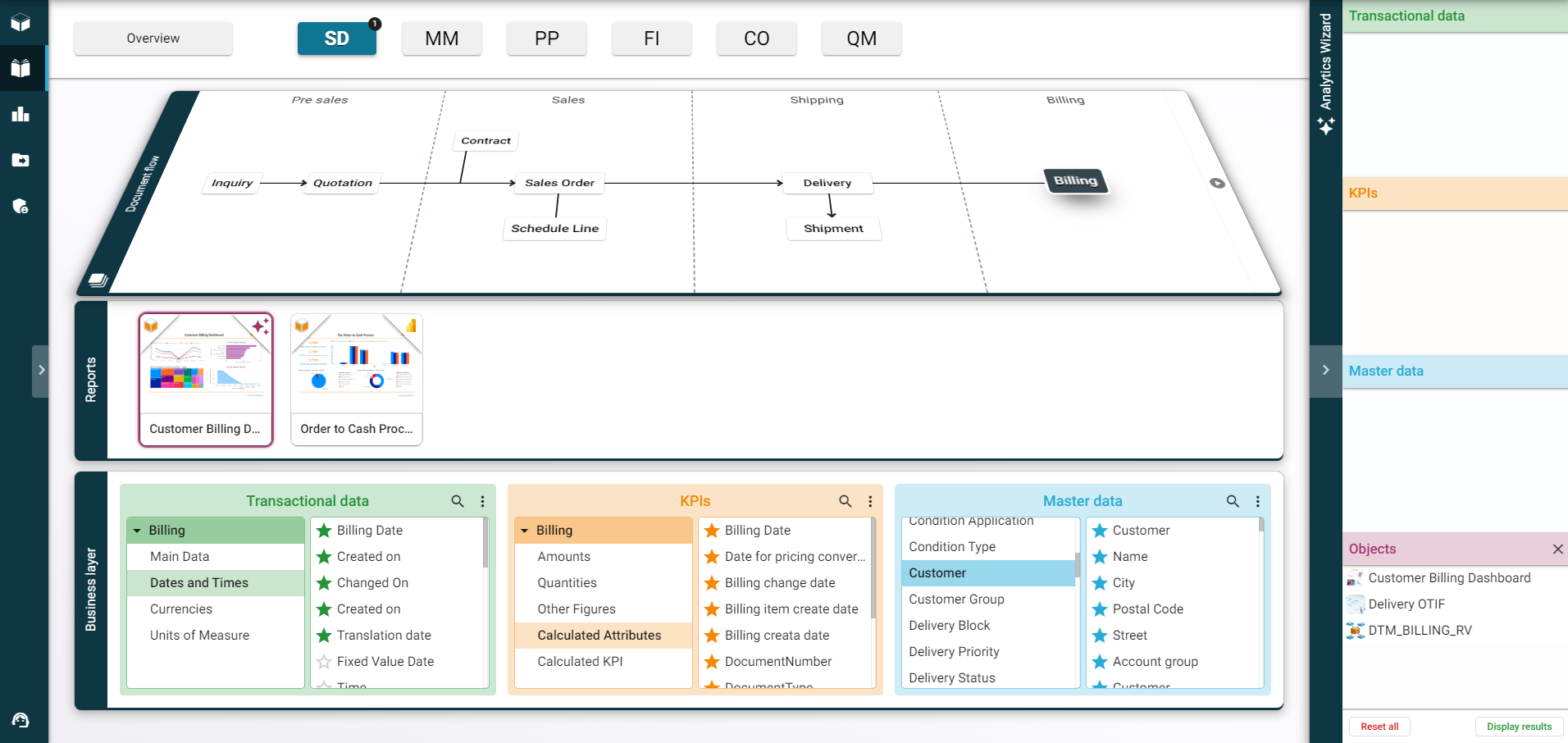
Business Catalog - Analytics Wizard
Ability to Drag & Drop new object types in your basket: Semantics, Datamarts, Views, Tables
Added specific process for SAP BW objects
Business Catalog - Baskets
Overall improved user experience for opening, editing and saving baskets
Business Catalog - Overview
Added an “All” button to quickly select or deselect modules
Ability to hide RapidViews objets
Business Catalog - Administration
Ability to sort sub-bricks & tables added in bricks and master data
New Connector
Added SAP Business Warehouse (BW) connector for Composite Providers, ADSO & Info Objects et les Data Sources
RapidViews Platform - Global
SAP CDS Views Referential
SAP CDS Views 2021 referential is now available in the platform